
Once you can access your project as an administrator, you can invite new users, remove existing ones, and manage user permissions through the User Manager.
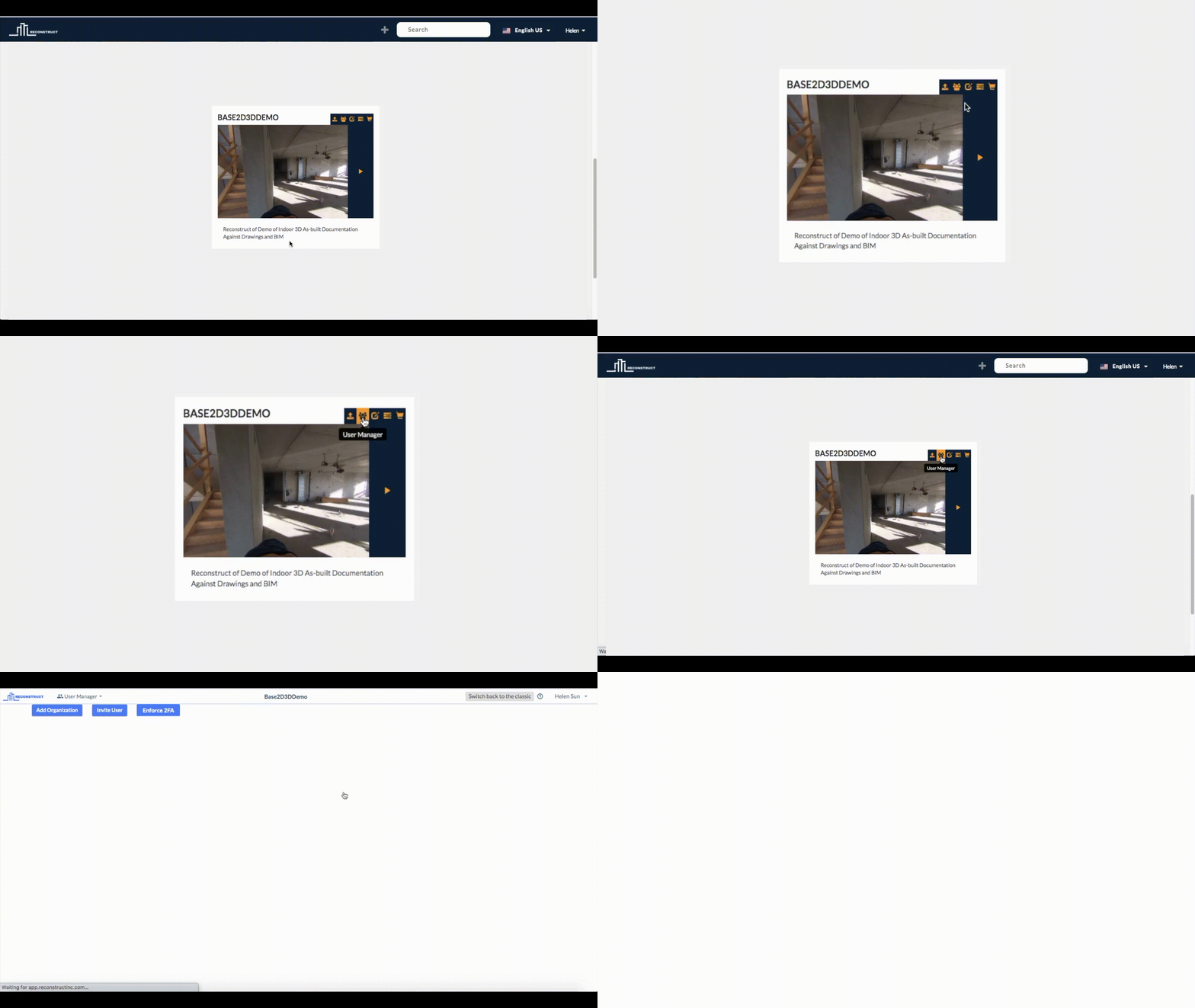
You can access the user manager by logging in to Reconstruct, and once you are in the command center, you can click on the "User Manager" button on the project card of your project. You can also access the user manager from the Data Manager, by clicking on the drop-down list labeled "Data Manager" at the top left-hand side of the screen, and then selecting "User Manager".
From the Command Center
From the Data Manager

Comments
0 comments
Article is closed for comments.